Tools / Page accessibility
Page accessibility Free
Reads one page's HTML and names the WCAG 2.2 criterion behind each problem: missing alt, unlabelled fields, vague links, empty buttons, skipped headings, zoom locks, autoplay, tiny targets. Static markup only, and it says what it cannot see.
MCP tool name: audit_page_accessibility. REST: POST /api/a11y-page. Free: 20 runs a day per IP. Pro: no cap.
Ask for it in plain words
Audit one page's static HTML for accessibility problems and name the WCAG 2.2 criterion for each: missing lang or title, images without alt, unlabelled form fields, vague or empty links and buttons, heading jumps, no main landmark, zoom-blocking viewport, autoplay with sound, tabindex above zero, duplicate ids, click handlers on non-interactive elements, tiny inline targets. It reads markup only and cannot test contrast, focus order or script-built widgets.
Inputs
| Name | Type | Meaning |
|---|---|---|
url | string | Public page to fetch |
html | string | Or paste HTML instead |
compareUrl | string | A second URL (for example the redesign): returns what was fixed, what is new and what remains |
* required
Example
curl -X POST https://designers.allthepossibles.com/api/a11y-page \
  -H "content-type: application/json" \
  -d '{"url":"https://allthepossibles.com"}'
Example output
The report field, for the input above (structured fields come back alongside it):
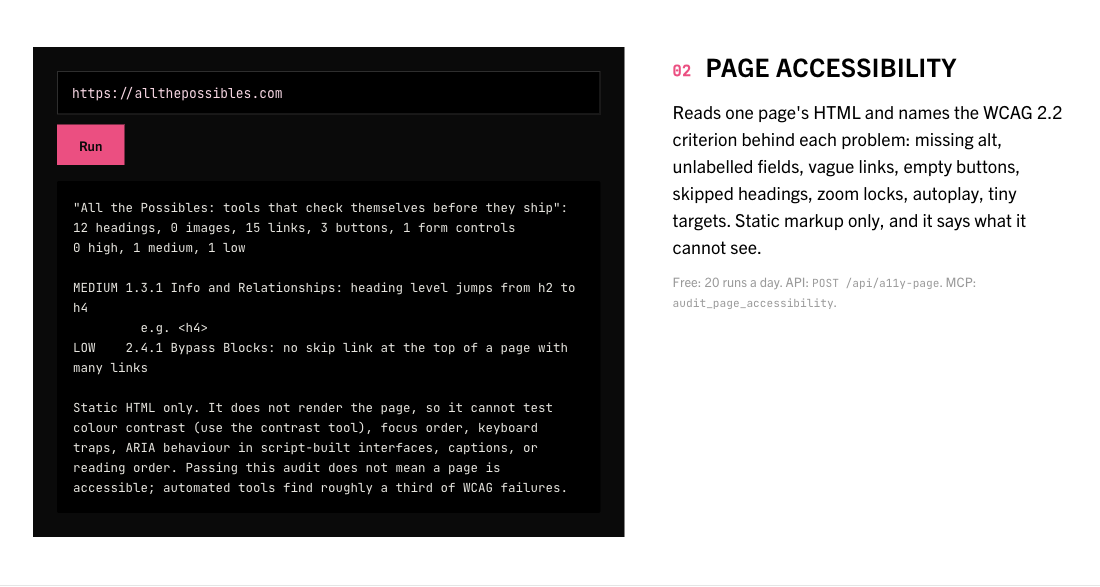
"All the Possibles: tools that check themselves before they ship": 12 headings, 0 images, 15 links, 3 buttons, 1 form controls
0 high, 1 medium, 1 low

MEDIUM 1.3.1 Info and Relationships: heading level jumps from h2 to h4
         e.g. <h4>
LOW    2.4.1 Bypass Blocks: no skip link at the top of a page with many links

Static HTML only. It does not render the page, so it cannot test colour contrast (use the contrast tool), focus order, keyboard traps, ARIA behaviour in script-built interfaces, captions, or reading order. Passing this audit does not mean a page is accessible; automated tools find roughly a third of WCAG failures.
What it looks like
Limits of this tool
Reads static HTML only. Cannot test contrast, focus order, keyboard traps, reading order, captions or script-built interfaces. Automated checks find roughly a third of WCAG failures.